
Reports
- All reports are sent direct to the email address you provided at checkout.
- Files are sent as e-mail attachments (high resolution).
- Emails will usually show the paperclip attachment symbol.
Most methods involve simply clicking on the attachment. Ensure you download the full resolution files ( usually over 1MB) and not thumbnails (eg 40 kb). JPEG’s ( picture files) may be saved to your camera role or files.
If you don’t know how to open or save attachments, please consult support for the email program you use or device settings support.
- Outlook Mobile: Microsoft email support for mobile
- Gmail: Android Gmail
- Samsung: Samsung
- Apple Mail: Apple mail support
Purchasing
You can purchase services securely using a credit card / Apple Pay or Google Payments. We use Stripe to take your payment.
Viewing Member Content.
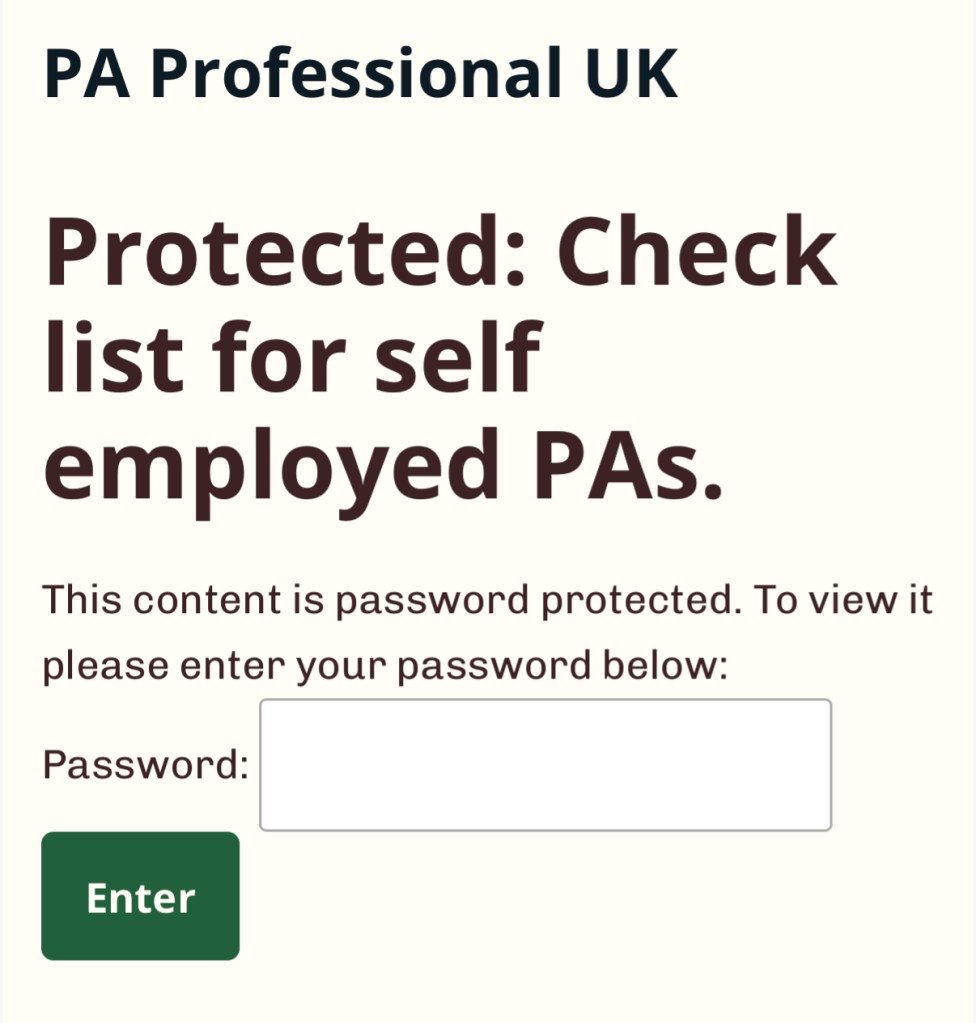
Type in the password for the article and press enter. Wait a few seconds (do not leave the page).
- Don’t use cut and paste.
- Check the number of characters
- Case sensitive
- Do not add a space before or after.
If you have any difficulties please contact us:
- Using the email you provided at checkout.
- Tell us
- The nature of your problem.
- What browser you are using eg safari
- Confirm what device eg Desktop, iPad, Android device.

